Macview
EN日本語

The window is the image

Nothing of the tool is on screen. The window opens at the size of the picture and the picture runs to its edges. The arrow keys step through the rest of the folder.

Free and open source. For Apple silicon Macs running macOS 14 Sonoma or later.
The first launch has to be opened from the right-click menuSee how
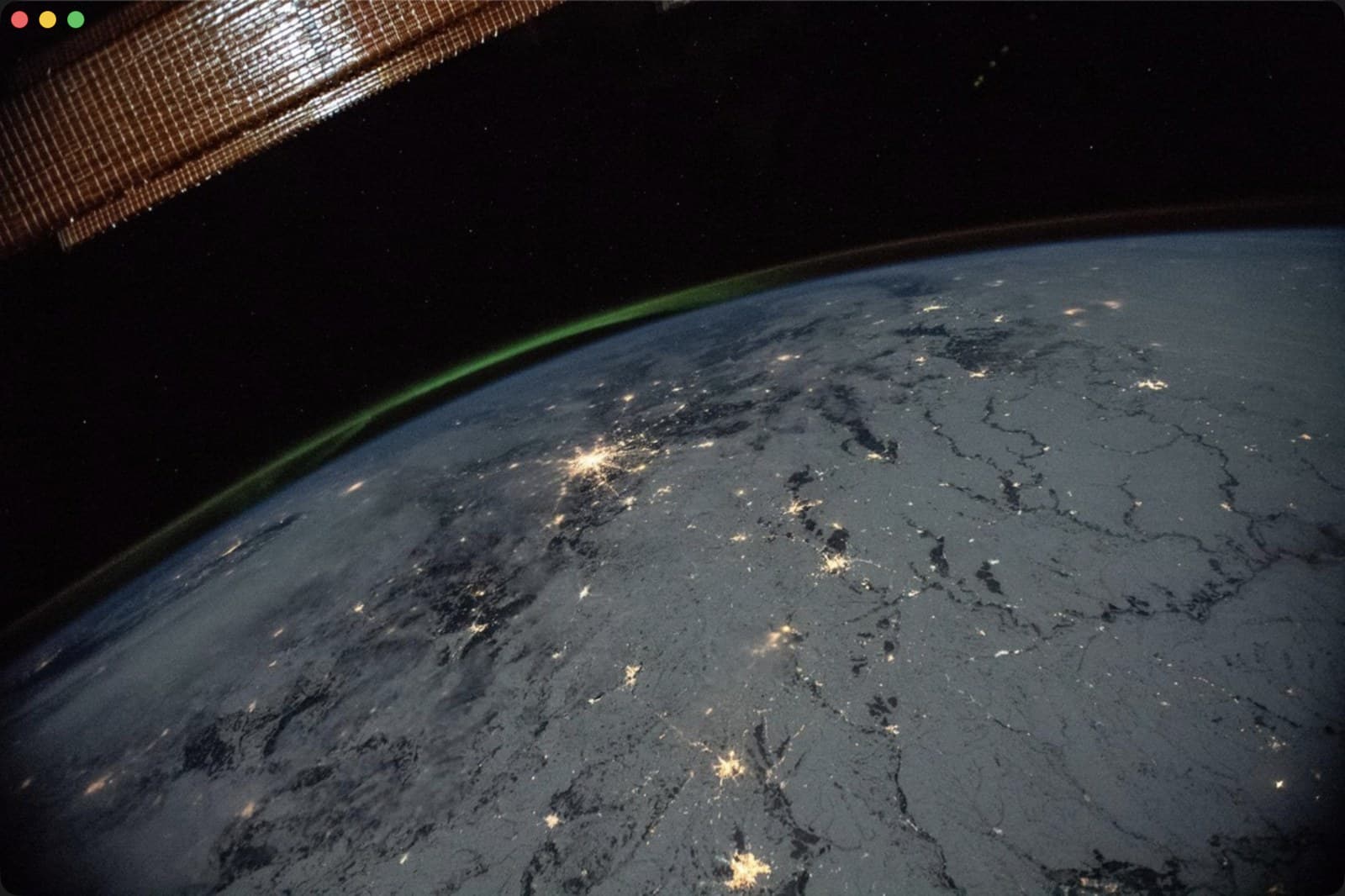
The window is the size of the picture, with no frame and no margin

The window is the size of the picture, with no frame and no margin

What Macview does

Puts nothing in the way
No toolbar, no sidebar, no title bar. The window opens at the size of the first picture and the ground is a single #212121. What is on screen is the image.
Reads whatever the OS reads
JPEG, PNG, GIF, TIFF, HEIC, WebP, AVIF, JPEG XL and the camera RAW formats. The reading is done by ImageIO, so there is no bundled decoder and no list of supported formats to maintain.
200 KB
Nothing is bundled; the only things it links are macOS frameworks. Measured here, a window is on screen about half a second after launch.
Plays animations
Animated GIF, APNG, animated WebP and HEICS play on the frame delays written in the file. Frames are pulled one at a time as they are needed rather than unpacked up front.

Keys

→ ↓ Space
Next image
← ↑ Delete
Previous image
Home / End
First / last
⌘O
Open a file or folder

Files can also be dropped on the window.